|
Tel: +44 (0) 116 2775730 |
|
|
|||||||||||||||||||||||
|
|
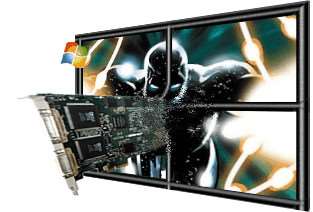
Product DescriptionThe Vigilant-X range of PCI graphics adapters offers the ultimate solution for high specification video and data wall applications. Vigilant-X provides the highest performance graphics processing combined with lower power operation allowing up to sixteen cards in a single PC. The VigilantX-Plus offers a lower cost option for video overlays, providing one overlay per display and on-board 16 x 8 video matrix switch. The VigilantX-HQ also provides one video overlay processor per display channel combined with 256Mb of overlay supporting up to sixteen overlay windows per display channel with tripple buffering. The Vigilant-X range of products are supplied with the EMS VigiControl - Wall Controller software which provides full intuitive control of the video overlay windows. Vigilant-X Vigilant-X operates with the Windows® XP operating system and spreads the Windows® desktop across the multi-screen display. Windows® applications can be positioned and sized anywhere on the desktop. The Windows® operarting system sees the multi-screen display as one large desktop.
Vigilant-X Specification:
VigilantX-Plus VigilantX-Plus video overlays provide one overlay window per display channel. The overlays can be positioned and sized anywhere across the multi-screen display. The restriction is that no more than one overlay may be opened on the same screen. VigilantX-Plus is used in conjunction with the Video Input Module (VIM) for inputting video sources. Various input modules are available and support up to one hundred and twenty-eight video inputs. Each overlay window can select anyone of the available inputs for display.
VigilantX-Plus Specification:
Video Input Options for the VigilantX-Plus
Software Features Drivers
Wall Control
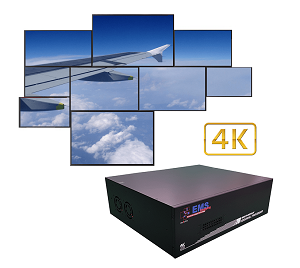
Application Guide: The EMS Vigilant-X range of graphics cards can be used as a simple 4 screen desktop display or a multiple 64 screen data/video wall. The table below details some typical applications.
Typical Applications & Market Areas: For details on how to purchase these products contact the sales department For more information, please download or view datasheet.Find Similar Products by Category |